UC-01
TRACE A REFERENCE
Use the phone camera and AR overlay to trace a reference image as a drawing guide.
SYSTEM 01
AR DRAWING + AI MOBILE APPLICATION
Published Android application for AR-assisted drawing, sketch tracing, timelapse capture and AI-powered image workflows.
SYSTEM IDENTITY
SYSTEM IDDRAWITAR-01
STATUSLIVE / GOOGLE PLAY
TYPEMOBILE / AI / AR
End-to-end mobile product released publicly on Google Play, combining Flutter, backend services, billing, ads and AI processing.
01 / OVERVIEW
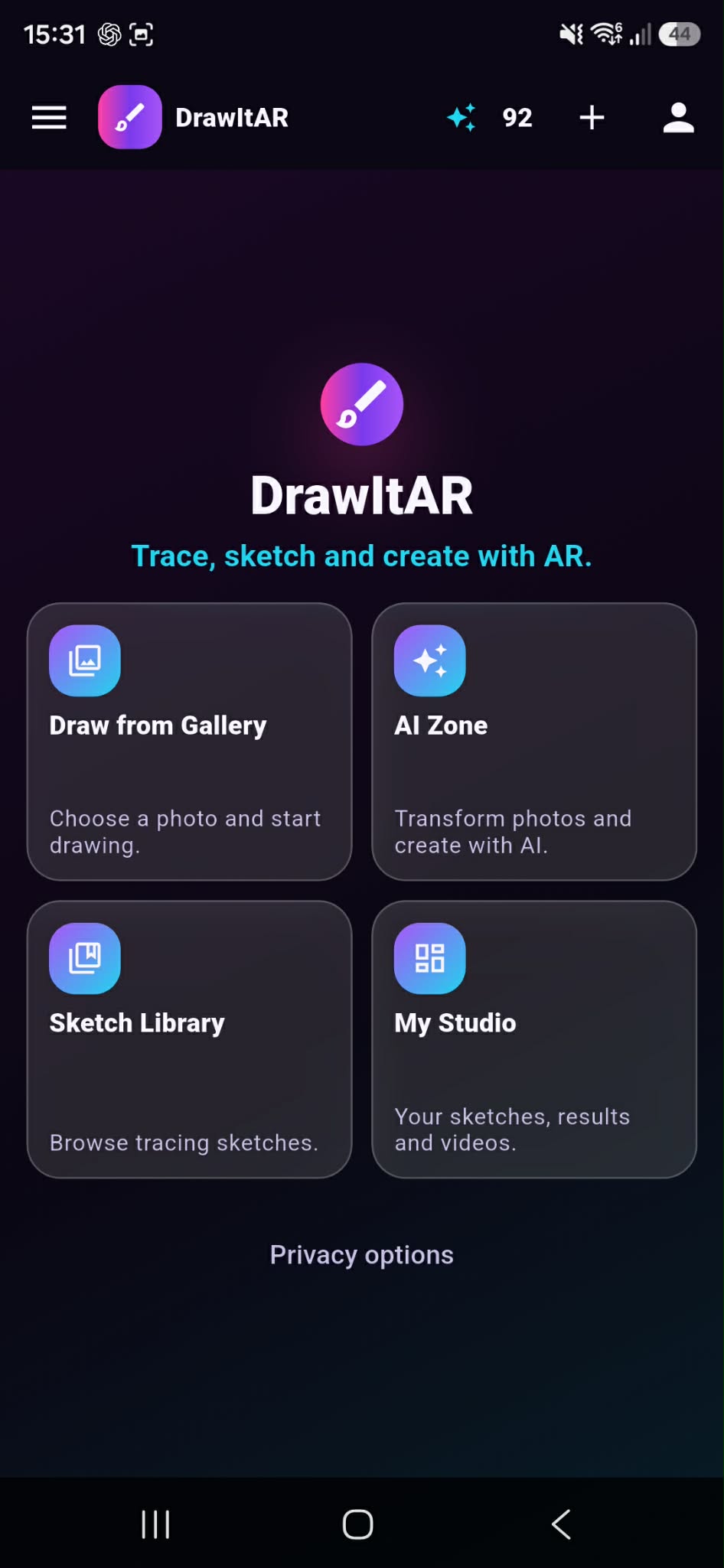
DrawItAR is an Android application publicly available on Google Play. Users choose a sketch from the library or a reference image from their gallery, then use the phone camera and an AR-assisted overlay as a drawing guide.
The product includes sketch processing and drawing filters, image controls, timelapse recording, Before / After results, My Studio for saved work and AI generation, supported by a custom FastAPI backend.
VIEW ON GOOGLE PLAY →02 / PRODUCT SCREENS
03 / USE CASES
UC-01
Use the phone camera and AR overlay to trace a reference image as a drawing guide.
UC-02
Process and position an image, then refine it with drawing, grid and camera controls.
UC-03
Capture drawing progress as a timelapse while working through the mobile flow.
UC-04
Send an image-driven job through the backend and ComfyUI worker for AI-assisted material.
UC-05
Store and organize created material in My Studio for later use.
04 / CORE SYSTEM
The core system is organized as three layers: a mobile client, backend API, and AI processing worker. This keeps the responsibility boundaries clear between interface, orchestration and generation.
Core system map
05 / ARCHITECTURE
The architecture separates the phone client from backend and worker steps. Media and control flow stays inside a single system map from image capture through generation and back to the app.
Detailed architecture chain
06 / FEATURES
F-01
AR / camera-assisted drawing overlay
F-02
Sketch Library
F-03
Gallery image drawing
F-04
Sketch processing / drawing filters
F-05
Image rotation / positioning / scaling
F-06
Grid
F-07
Freeze frame
F-08
Camera zoom / focus controls
F-09
Timelapse recording
F-10
Before / After results
F-11
My Studio
F-12
AI generation
F-13
Premium / ad-free experience
07 / AI PIPELINE
AI path starts with image input on the app side and ends with generated result delivery to the same mobile interface.
AI generation pipeline
08 / TECH STACK
09 / STATUS
SYSTEM ID DRAWITAR-01
STATE LIVE / GOOGLE PLAY
PLATFORM ANDROID
DISTRIBUTION GOOGLE PLAY
DEPTH END-TO-END MOBILE PRODUCT